
Turn Your Ideas Into Cinematic Artwork
8 weeks | 1.5 h / session
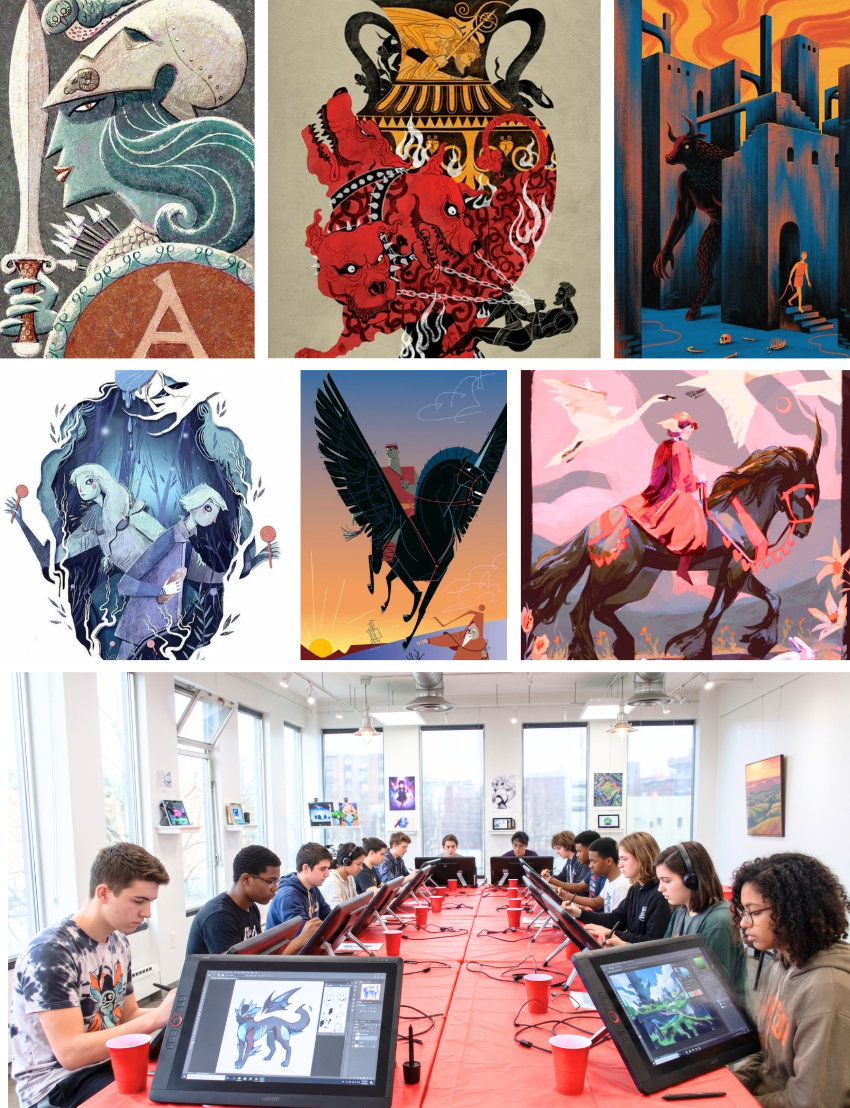
Take your digital art beyond simple sketches and turn your ideas into compelling visual stories. Designed for intermediate artists in grades 7–12, this workshop guides you through the process professional illustrators use to build rich, narrative-driven portfolio pieces.
-
Character Study: Explore personality, costume, gesture, and visual language to design a unique character.
-
Hero Illustration: Craft a polished, dynamic key artwork capturing a core theme or pivotal moment.
-
Narrative Scene: Staging an interaction between two characters to master composition, environment, lighting, and staging.
Materials Disclaimer: Participants must bring their own devices and pre-installed software to class. Equipment will not be provided. See below for requirements.
Meet the Instructor

Andrew Presutto is a Toronto-based illustrator, graphic designer, visual artist, and Ontario Certified Teacher. He graduated with honours from Sheridan College’s Illustration program and has professional experience creating illustrations for branding, packaging, editorial content, and young adult publishing. Digital illustration has been central to Andrew’s practice for over a decade. Working primarily with Adobe Photoshop, Illustrator, and InDesign, he combines digital and traditional techniques to create work characterized by bold colour, graphic shapes, and expressive textures. He teaches students not only how to use digital tools, but how to develop a finished illustration from initial sketches and concepts through composition, colour, character, storytelling, and final artwork. A returning instructor at RHAS, Andrew has taught visual art and illustration at both the secondary and post-secondary levels, as well as led hands-on digital media workshops in York Region secondary schools. As an educator, Andrew encourages experimentation, creative thinking, and confidence. His digital illustration courses focus on helping students move beyond software skills to develop their own visual style and use digital tools to bring their ideas to life.

Requirements & Disclaimers:
Required Materials
-
Device: Laptop or tablet capable of running digital drawing software.
-
Stylus: A pressure-sensitive digital pen/stylus.
-
Software: Digital illustration software installed and ready to use. (Recommended: ProCreate, Photoshop, Clip Studio Paint, Krita, Infinite Painter)

